
Introduction to UI/UX Tutorials
Graphic Designing
Introduction:
Welcome to the World of UI & UX Design
By the end of this chapter, you will understand what UI and UX Design are, how they are different, why they are important, and what you will learn in this course.
Have You Ever Thought About This?
Take a look at your phone for a moment.
You probably use apps like WhatsApp, Instagram, YouTube, Google Maps, Amazon, or PhonePe every day. Have you ever wondered who decides where the buttons should be, why the colours look attractive, or why using these apps feels so easy?
The answer is UI & UX Designers.
They are the people who design digital products that are simple, beautiful, and enjoyable to use.
In this course, you will learn how to create websites and mobile app designs just like professional designers do. Don't worry if you are a complete beginner—we will learn everything step by step.
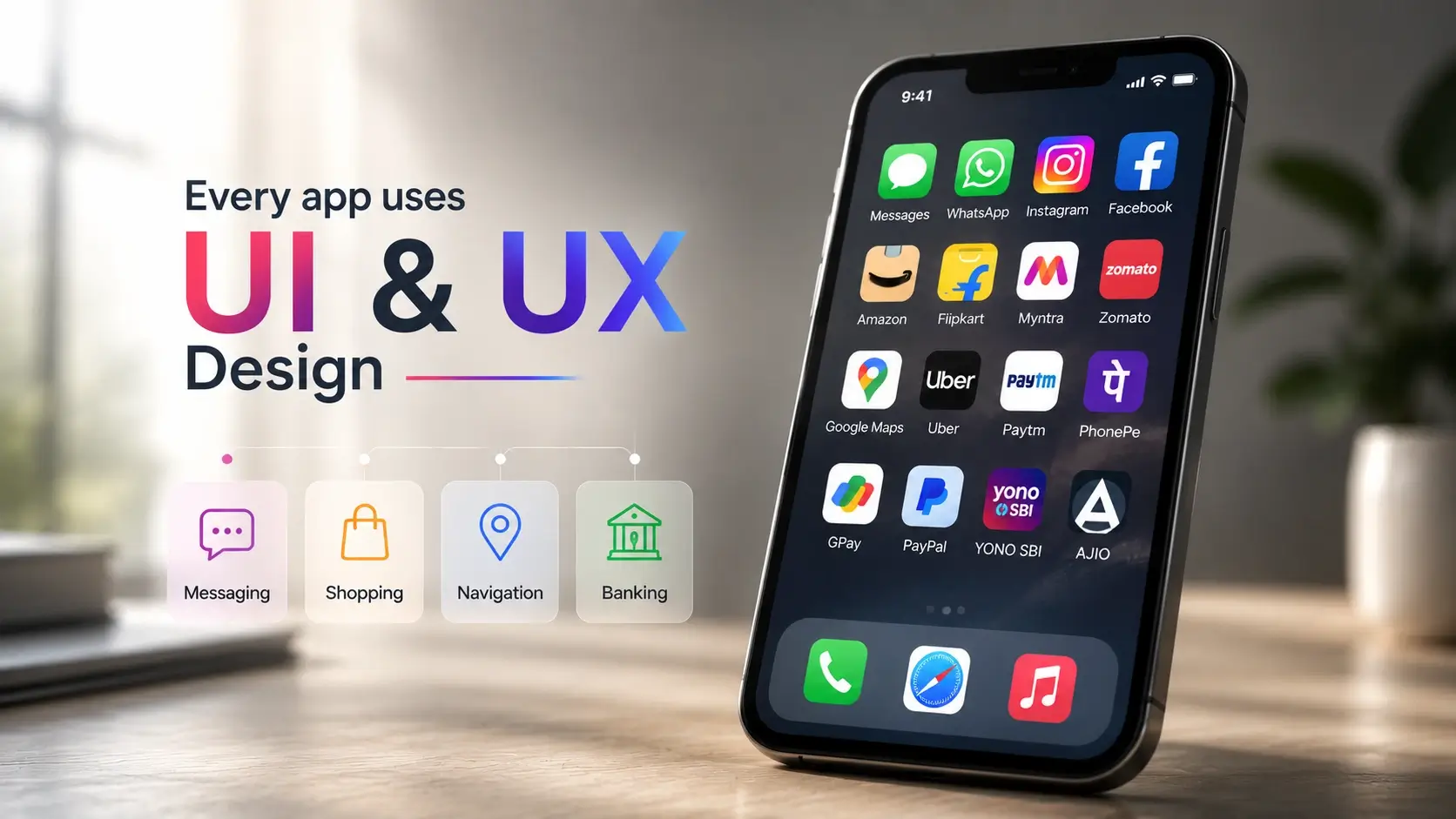
What is UI Design?
UI stands for User Interface.
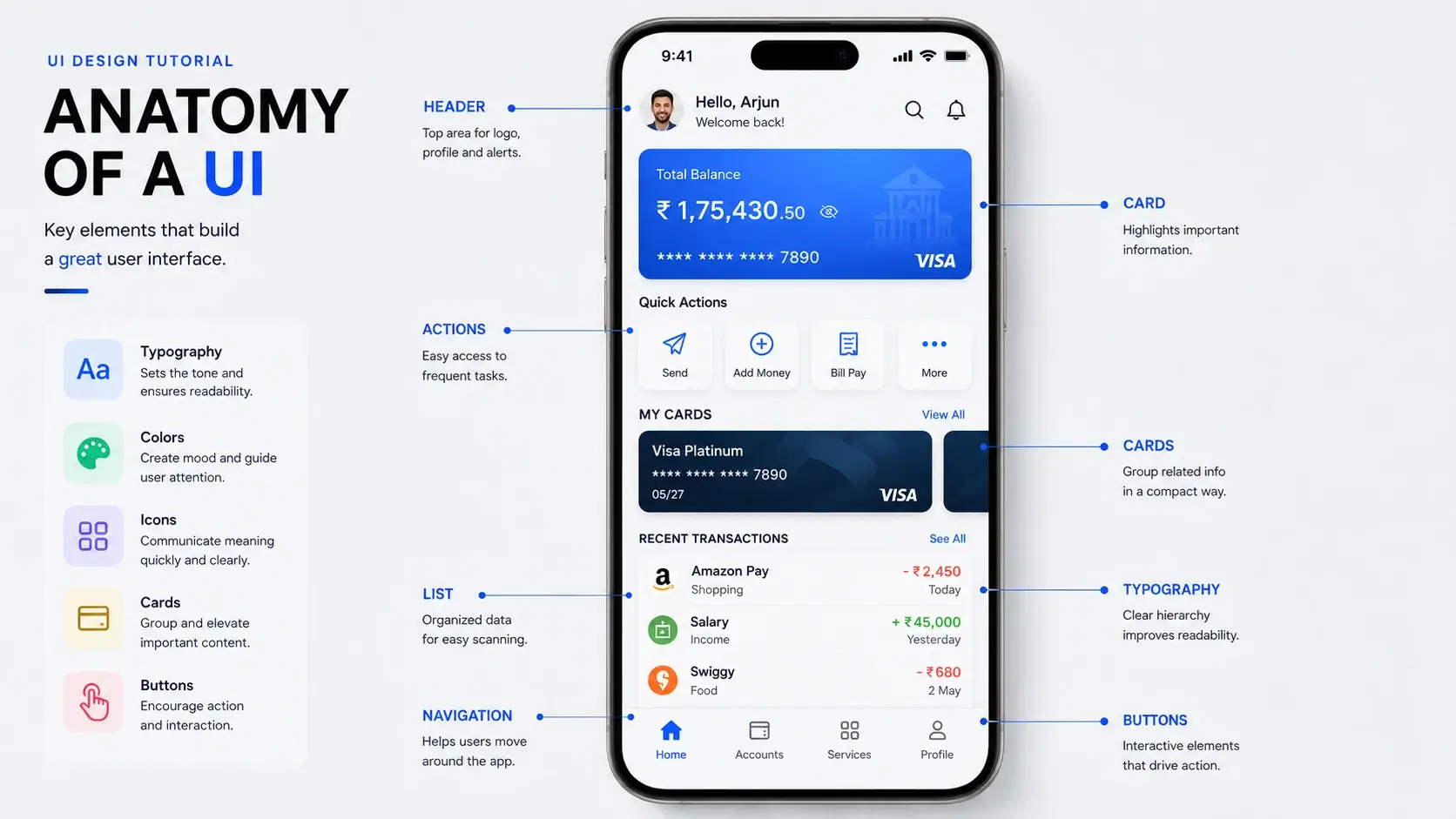
Simply put, UI is everything you can see and touch on a screen.
Buttons, icons, colours, text, images, menus, cards, and navigation bars are all part of the User Interface.
Imagine entering a beautiful café. The lighting is warm, the menu is easy to read, and everything looks neat. You immediately feel comfortable. In the same way, a well-designed app creates a great first impression.
A UI Designer decides how a product should look so that it is attractive, clean, and easy to understand.
What is UX Design?
UX stands for User Experience.
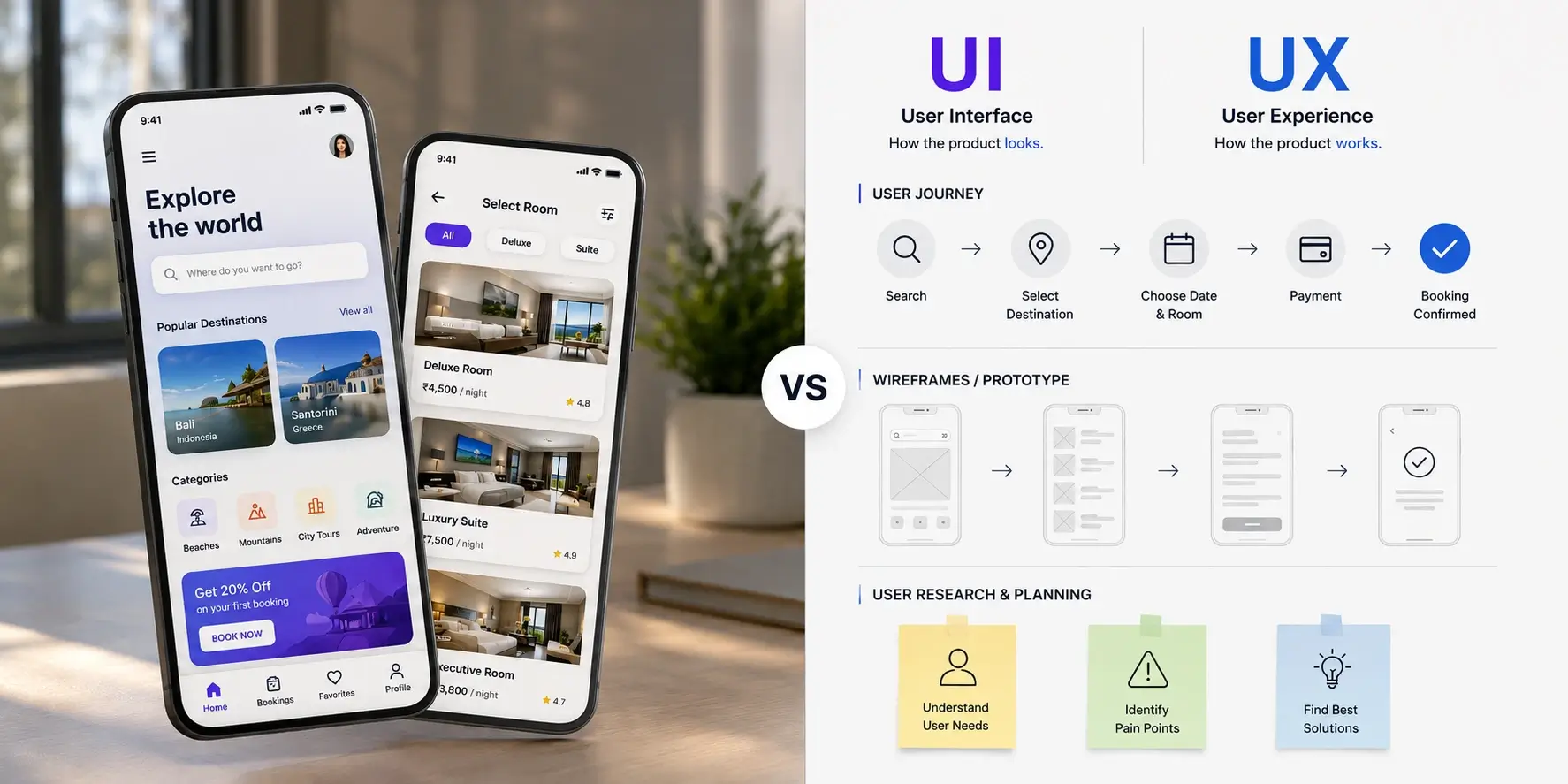
While UI focuses on how a product looks, UX focuses on how a product works.
Think about booking a cab online. If you can quickly choose your location, see the fare, book the ride, and get confirmation without any confusion, you have had a good user experience.
A UX Designer plans this complete journey so that users can achieve their goals easily and without frustration.

A simple way to understand the difference is to imagine building a house.
UX is the architect who plans the rooms and decides how people will move through the house.
UI is the interior designer who chooses the colours, furniture, lighting, and decoration.
Both are equally important. A beautiful app with confusing navigation is frustrating, while an easy-to-use app with poor visuals may not leave a good impression. Great products always combine both UI and UX.
What Will You Learn in This Course?
Throughout this course, you will learn how to:
Design beautiful mobile apps and websites
Create wireframes and prototypes
Use Figma like a professional
Understand users and solve real problems
Build projects for your portfolio
By the end of this course, you will have the skills to design modern digital products and confidently start your journey as a UI/UX Designer.
Chapter Summary:
In this chapter, you learned that UI is about the visual appearance of a product, while UX is about the overall user experience. You also discovered that almost every app you use every day is created using both UI and UX principles. In the next chapter, we will set up Figma and understand the basic interface of the world's most popular UI/UX design tool.